HTML
One file with markup, styles and the animation source together. Drop it into a static site or paste the section into any CMS or page builder.
New Tools
Browser editors for the animated pieces that usually cost a day of fiddling: carousels, marquees, parallax columns, focus stacks. Drop in your own imagery, shape the motion with real controls, then take the file.
The library
A selection from the catalog. Every card is the real component, not a recording. Open one to take the controls.

UI/UX
A glass sphere full of living plasma, ray traced in WebGL 2: electric filaments swirl around a bright core and the whole orb brightens when the pointer comes near.
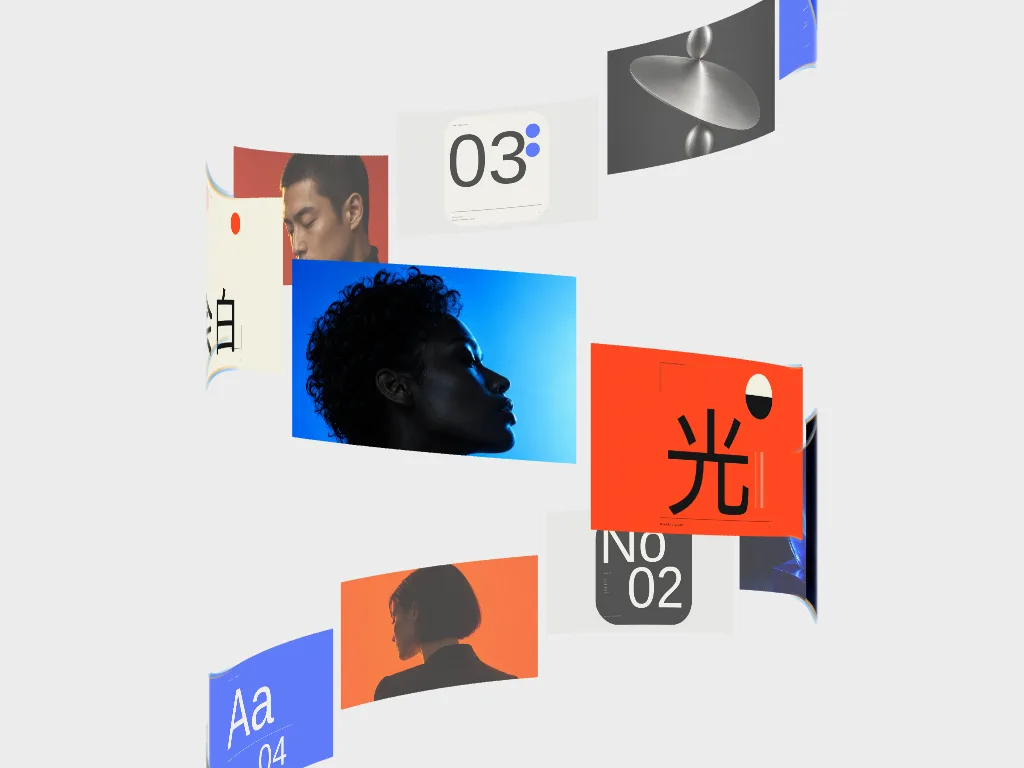
Carousel
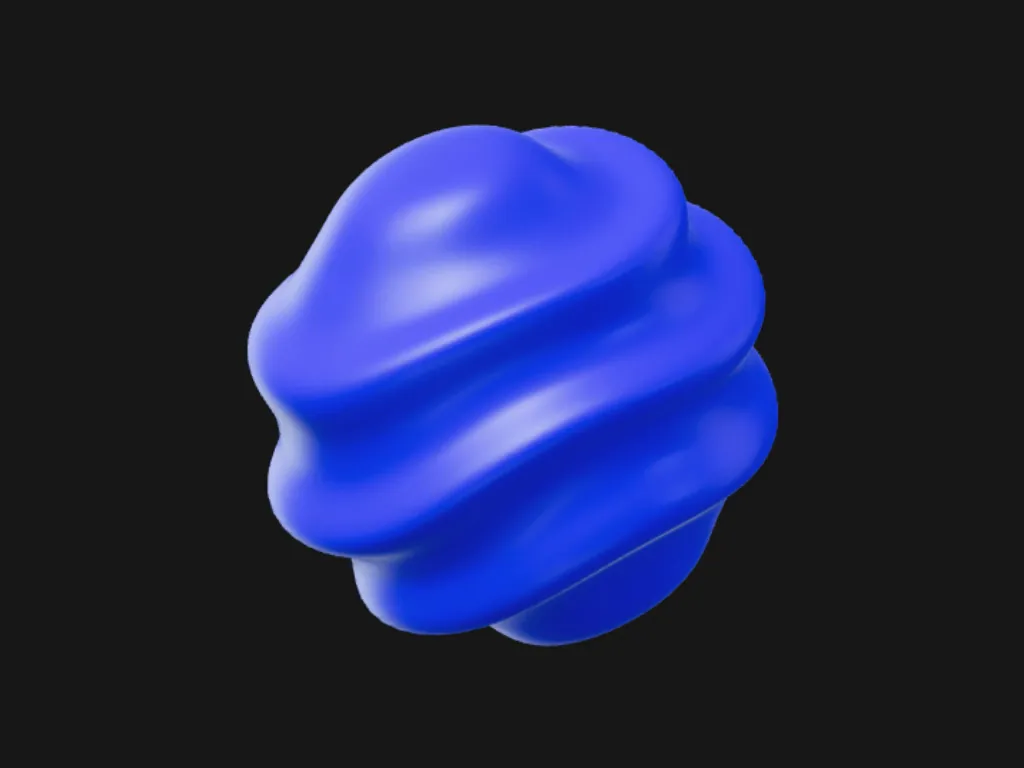
3D & Perspective
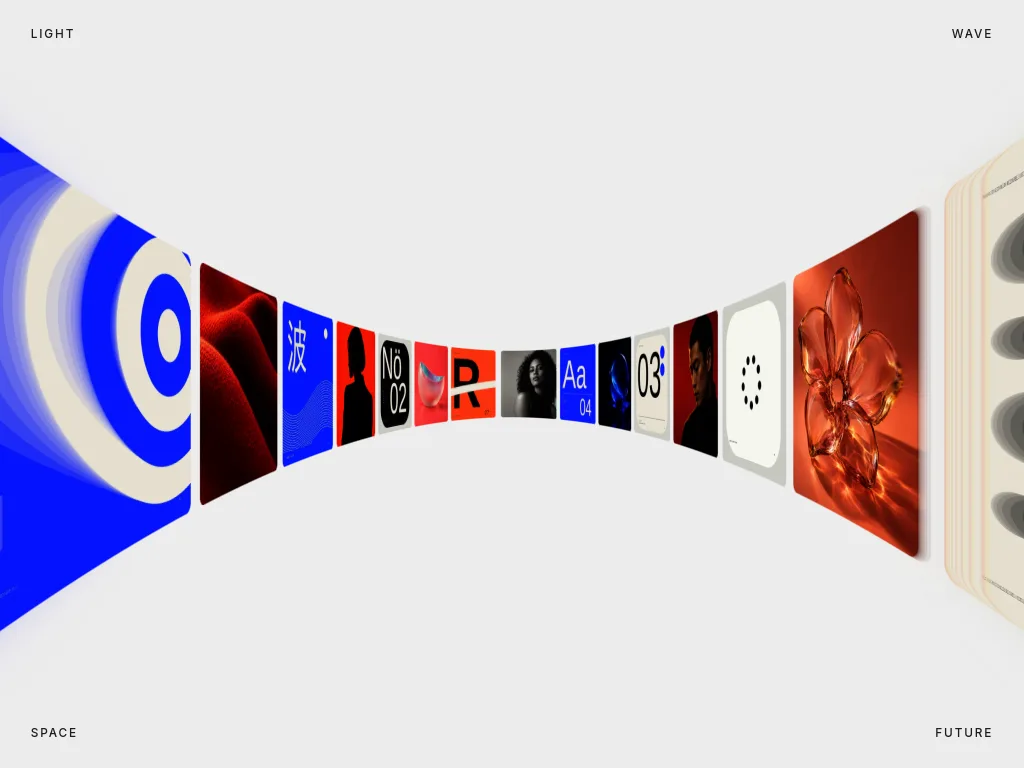
Carousel
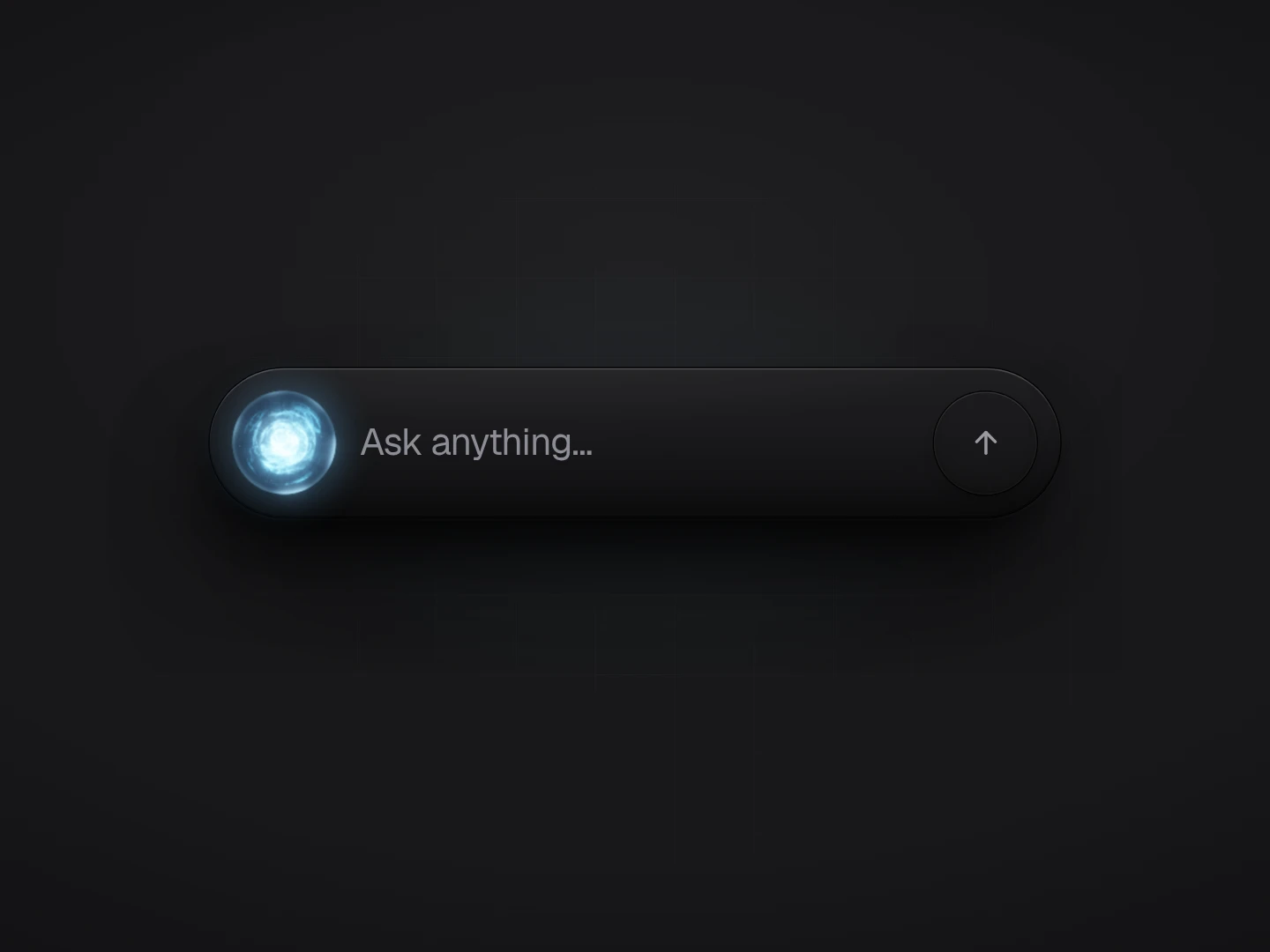
UI/UX

UI/UX
How it works
There is nothing to install and no project to configure. Every editor builds its own control panel from the tool it renders, so the controls you see are exactly the parameters that component has.
Browse the catalog and open the one that matches the section you are building. Each opens on a working composition, so you are adjusting something that already moves rather than starting from an empty canvas.
Swap in your own imagery and copy. The composition rebuilds around it immediately, which is usually where a stock demo stops being useful and a real layout decision starts.
Direction, tilt, card width, gap, corner radius, offsets, edge fade, step duration, parallax depth, and the easing curve, either from a preset or by dragging your own cubic-bezier.
Choose HTML, Svelte or React and download the file, or copy the composition to your clipboard and paste it into Figma. The export is generated from the exact state on screen.
What you take with you
The HTML document is the source of truth. The framework targets are derived from it rather than hand-written a second time, so a Svelte or React export can never quietly drift from the preview you signed off.
One file with markup, styles and the animation source together. Drop it into a static site or paste the section into any CMS or page builder.
A single .svelte file with the markup, scoped styles and lifecycle already wired. Drop it in your components directory and import it.
A .jsx component with attributes and inline styles translated to JSX conventions. It mounts and cleans up on its own, in Next.js or anywhere else.
"Copy for Figma" flattens the live computed styles onto every node. Paste into a file and the composition arrives as real, editable layers.
Try it in your browser. Membership to export.
Open any tool without an account, load your imagery and watch it run, for as long as you like. Exporting to HTML, Svelte or React and copying to Figma are member actions, included in the same subscription that covers the template and component library.
What it is for
A looping carousel or a parallax column is rarely hard in principle and reliably slow in practice: the wrap is off by a frame, the easing feels mechanical, the gap collapses at 768 pixels. Here those are controls, and you settle them by looking.
Tune the component, copy it into Figma, and the deck shows the real thing in the real layout instead of a description of it. The version the client approves is the version you export.
Prompting for animation tends to produce plausible code with the wrong feel. Handing Cursor or v0 a working component changes the task from inventing motion to adapting a system that already behaves. Before release, verify keyboard access, reduced motion and responsive behavior.
Every export from the same tool shares its structure and class conventions, so a set of sections built this way stays consistent instead of drifting into eight implementations of the same idea.
FAQ
The short version: you edit in the browser, exporting is part of a membership, and the file you take has no ties back to us.
No. Every editor is open to anyone who opens the page: you can load your own imagery, change the motion, adjust the easing curve and watch the result run at full speed. What a membership buys is the file you take with you: exporting is where the gate sits.
The HTML target is a single self-contained document: markup, styles and the animation source in one file you can open in a browser or paste into any page. The Svelte and React targets are generated from that same document, so a component can never drift from the HTML preview you approved.
Figma reads HTML from the clipboard. "Copy for Figma" flattens the computed styles of the live component onto every node and writes it to your clipboard, so you can paste the composition into a Figma file as real layers and keep designing from there.
No. There is no runtime to install and nothing that calls back to us. Some tools export as dependency-free CSS and markup; the ones that need a real timeline include the animation source verbatim, which is the same source the preview runs.
Yes. Exports are yours to ship in personal and commercial projects under the standard HorizonX licence, the same terms that cover the rest of the library.
A template is a finished file you adapt by editing code. A tool is the generator behind it: you make the decisions visually (imagery, direction, spacing, duration, easing) and the file is written to match, in the framework you asked for.
Configure it once, in the browser, against your own imagery. Then take the code, the component or the Figma layers.