


Video Projection · HorizonX

Video Projection

New

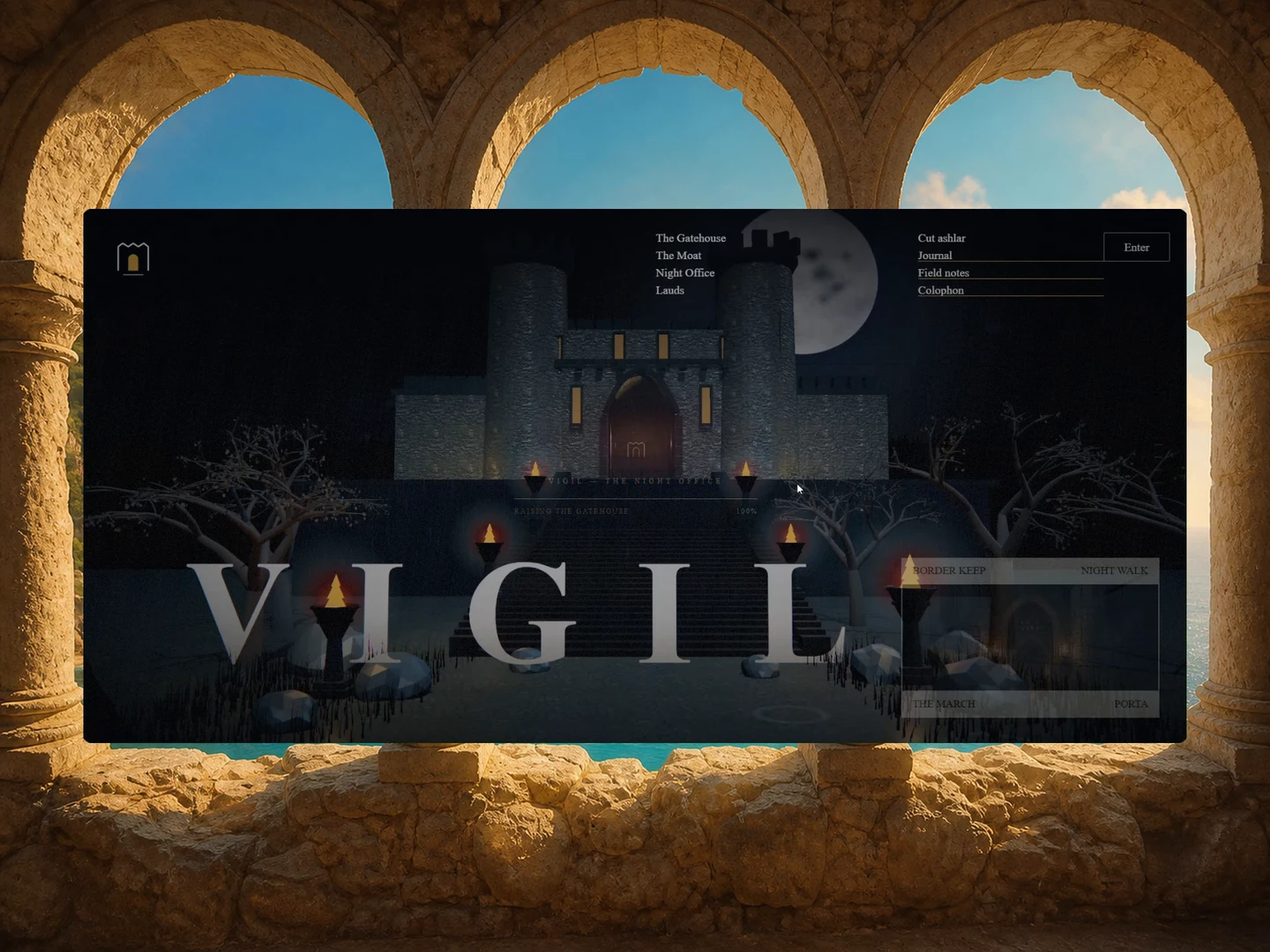
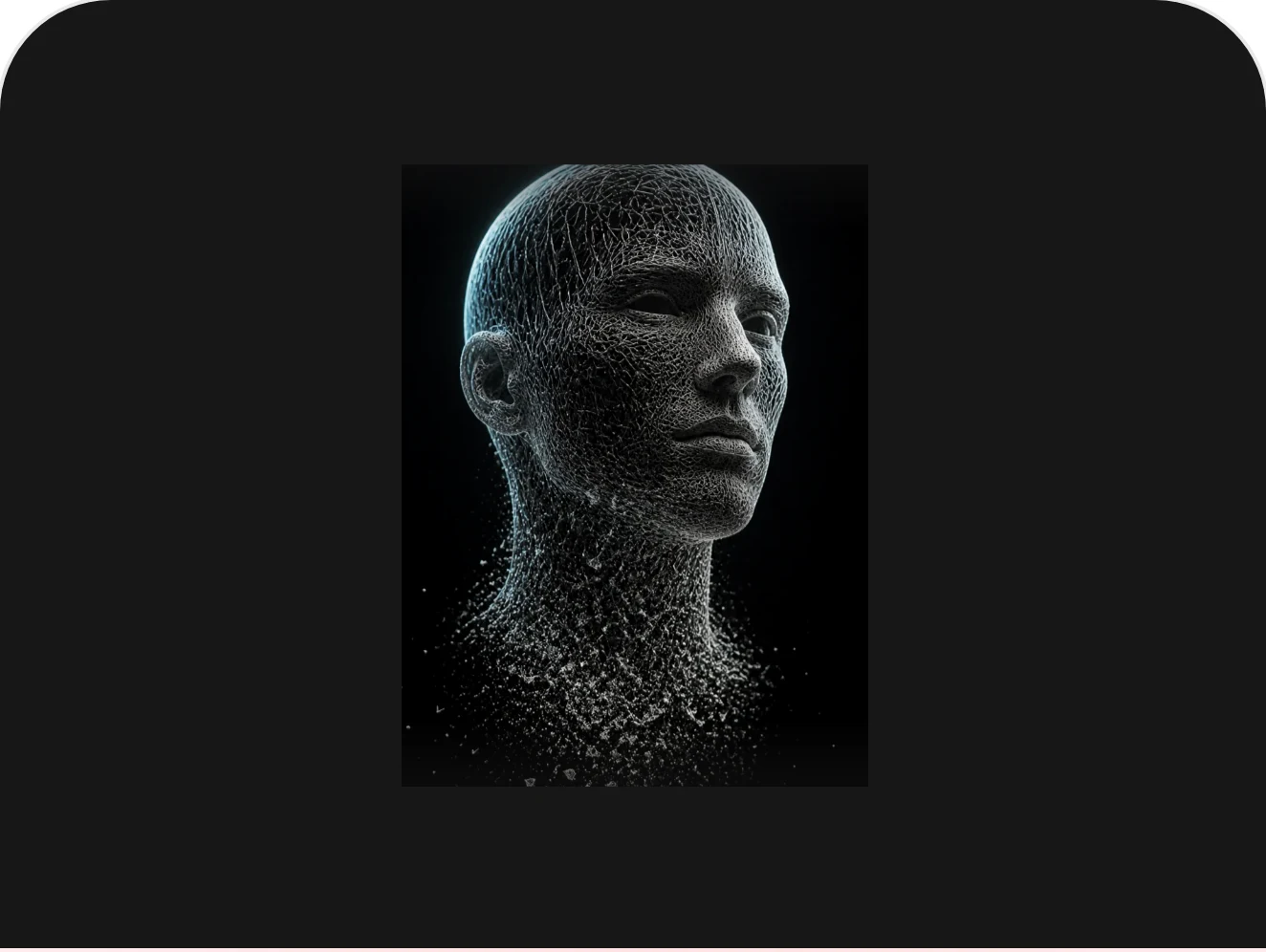
One video projected across a field of cubes. A mask image decides which cells build, and every cube carries its own slice of the footage.

HorizonX · 3D & Perspective
Video Projection — image 5
Video Projection — image 1
Video Projection — image 2
Video Projection — image 3
Video Projection — image 4
Video Projection — image 5
Video Projection — image 1
  • Instant access Unlocked with your membership
  • Editable Figma source Copy straight to your workspace
  • Commercial license Use in client & commercial work

Not ready to subscribe yet?

Get 50% off your first month. We'll email you the code.

Overview

A mask image decides which cells of the grid become cubes at all — dark pixels build, light pixels stay empty — and every surviving cube gets its own slice of the shared video rewritten into its UVs. That is what makes the field read as a single picture rather than as several hundred copies of one. Switching mask blows the old shape apart towards the camera while the new one assembles behind it. Drag to spin the field; the cursor raises a travelling swell in it.

Highlights

  • Refined, production-ready UI composition
  • Organized, reusable Figma components
  • Clean layout system you can adapt fast
What's included

  • Editable Figma source file
  • Organized layers & components
  • Reusable styles and tokens
  • Commercial license

Reviews

No reviews yet.

Log in to review this product.

Frequently asked questions

  • The editable Figma source for this concept — copy it into your own workspace and adapt it freely.

  • It's included with your HorizonX membership. Open it and copy it to Figma instantly — no separate purchase.

  • Yes. Your HorizonX membership includes a commercial license — use and adapt these files in your personal, client and commercial projects.