Velara App: App Screens for Figma | HorizonX

UI/UX

Velara App

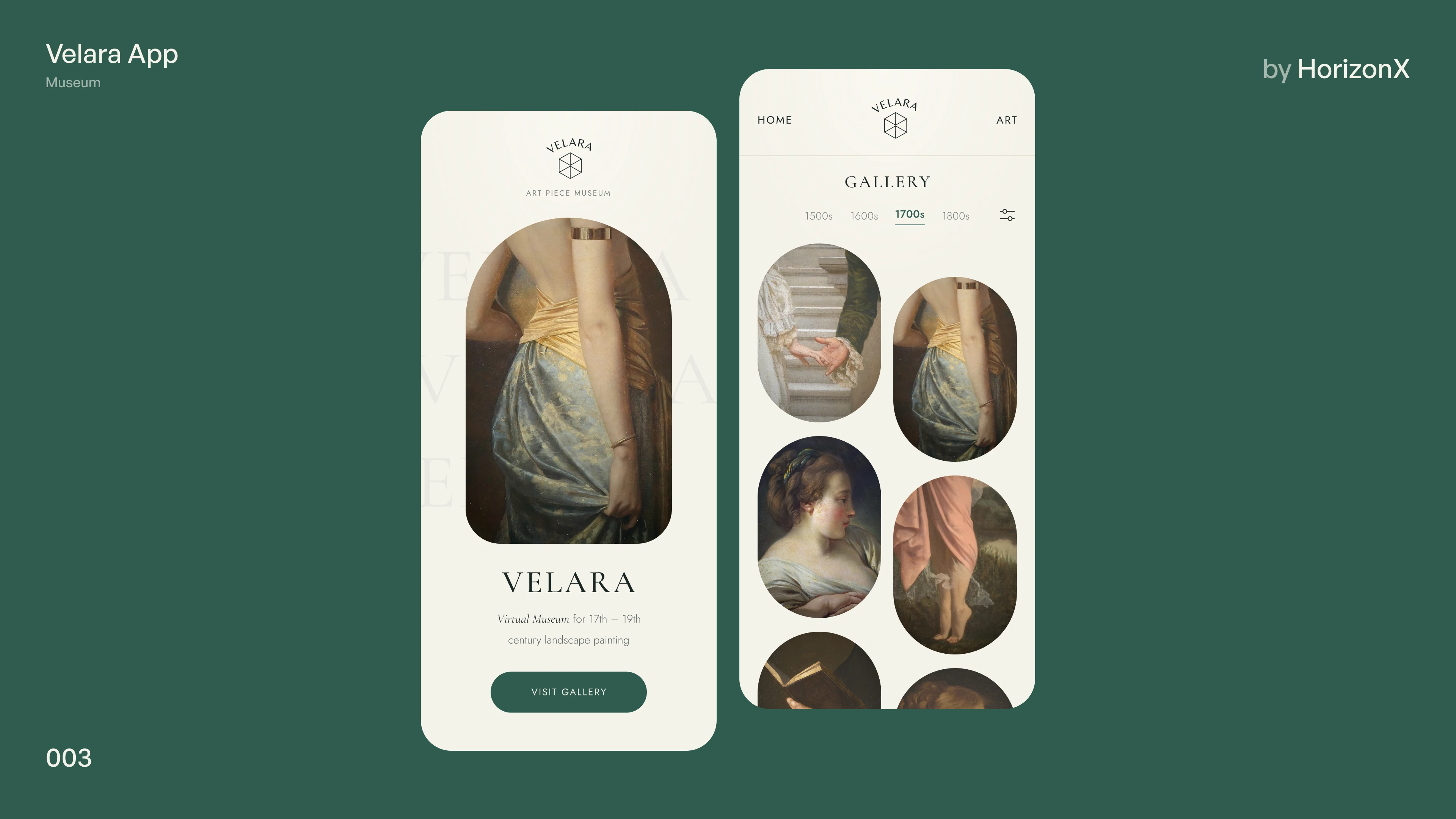
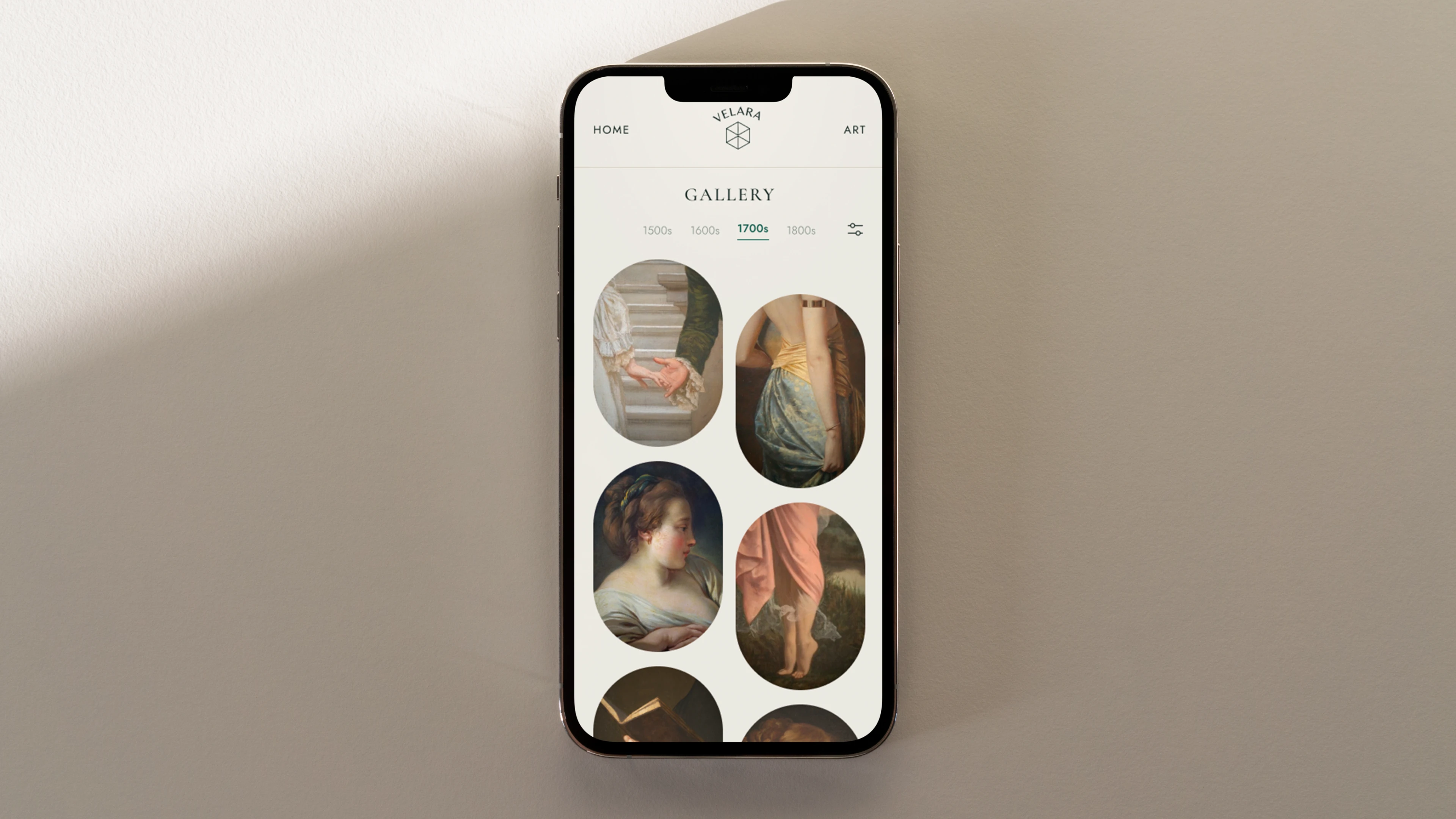
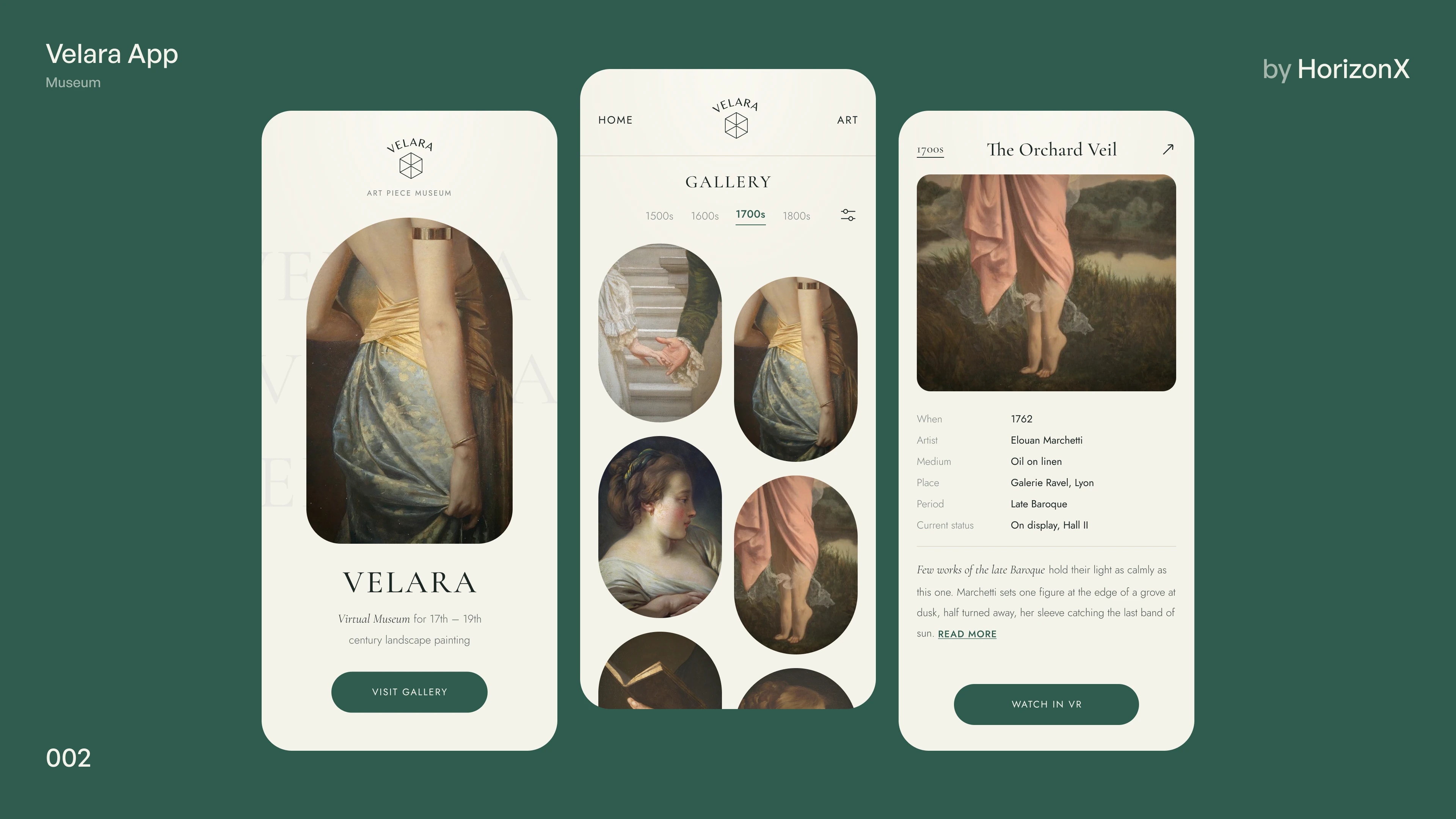
A virtual museum app in Figma for 17th to 19th century painting: an editorial welcome screen, a gallery filtered by century with arched artwork frames, and an artwork page with provenance details and a view-in-VR action.

Velara App, image 3
Velara App, image 1
Velara App, image 2
Velara App, image 3
Velara App, image 1
  • Instant access Included with every membership
  • Editable Figma source Copy straight to your workspace
  • Commercial license With a membership, for client work

Overview

Velara App is a calm, editorial museum concept in ivory and deep green, with serif titles and arched image frames. The welcome screen introduces the virtual museum with a featured painting and a visit-gallery button. The gallery screen filters works by century, from the 1600s to the 1800s, and lays them out in a two-column grid of arch and pill frames. The artwork page lists date, artist, medium, place, period and current status, followed by a short essay and a watch-in-VR button. Included: one editable Figma file with the three frames shown in the gallery, a photographed device scene and two boards that lay the screens out side by side.

Highlights

  • Refined, production-ready UI composition
  • Organized, reusable Figma components
  • Clean layout system you can adapt fast

What's included

  • Editable Figma source file
  • Organized layers & components
  • Reusable styles and tokens
  • Commercial license with a membership

Frequently asked questions

  • The editable Figma source for this concept. Copy it into your own workspace and adapt it freely.

  • It's included with a HorizonX membership. Open it and copy it to Figma instantly, no separate purchase.

  • Yes, with a HorizonX membership. Members get a commercial license: use and adapt these files in personal, client and commercial projects. If your plan ends, projects you already built keep their license, but the files can't be used to start new ones.