Flux App: App Screens for Figma | HorizonX

UI/UX

Flux App

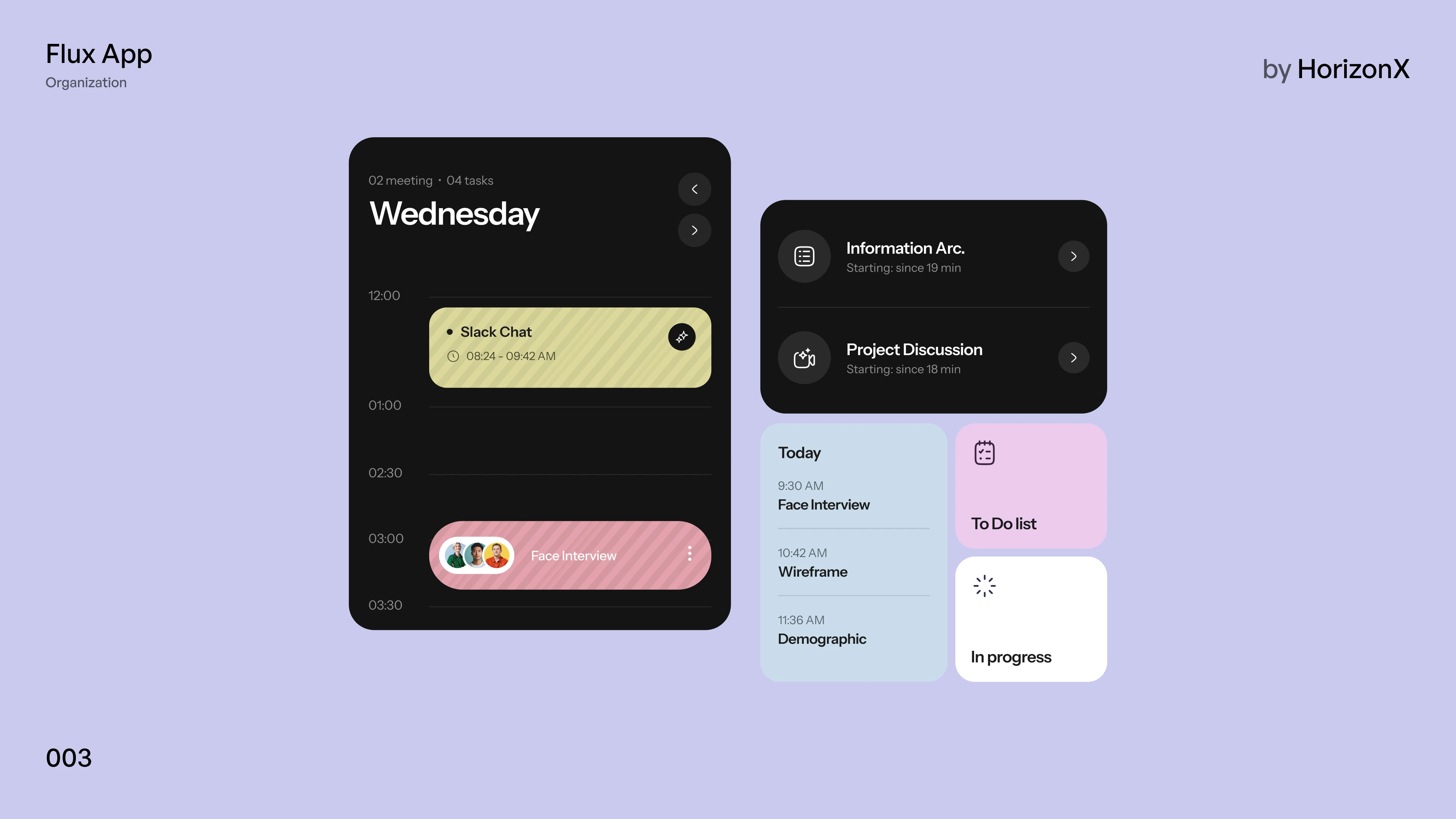
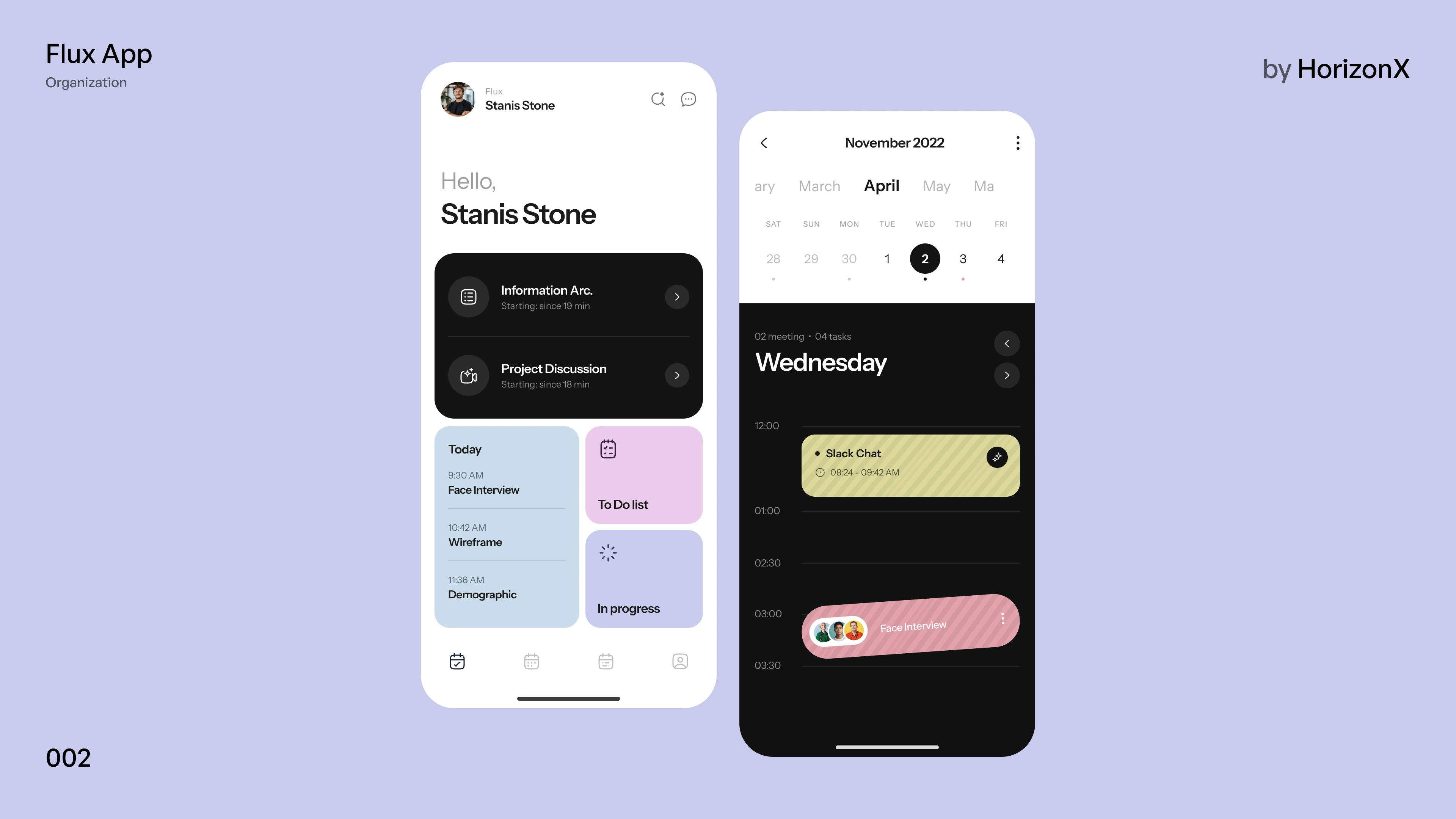
A productivity and calendar app in Figma: a personal home with upcoming meetings, today's agenda and task tiles, and a calendar with a day timeline of meetings.

Flux App, image 3
Flux App, image 1
Flux App, image 2
Flux App, image 3
Flux App, image 1
  • Instant access Included with every membership
  • Editable Figma source Copy straight to your workspace
  • Commercial license With a membership, for client work

Overview

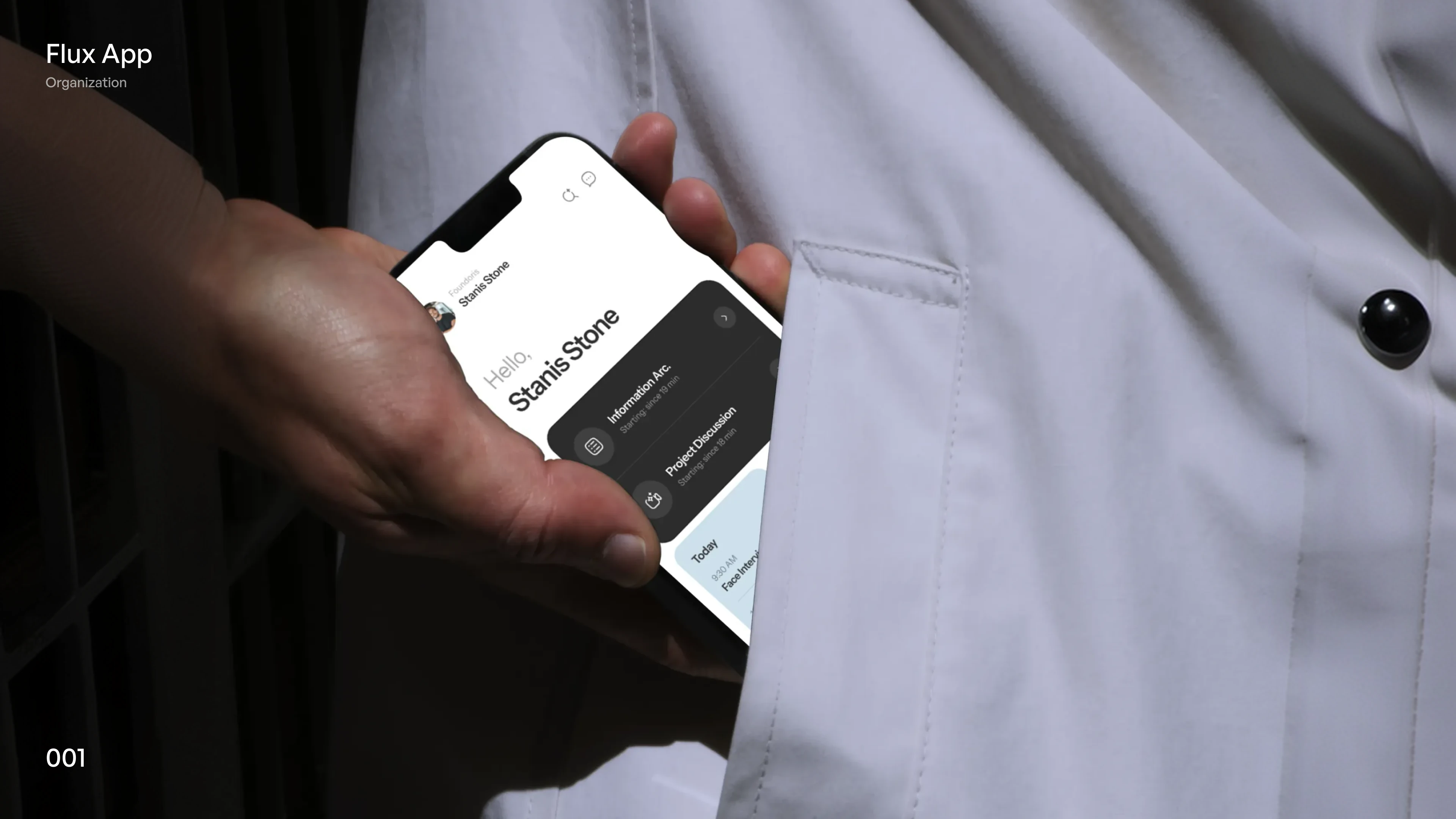
Flux App is a work-organization concept that mixes black, white and soft pastel tiles in lavender, sky and pink. The home screen greets the user and lists upcoming sessions with their start times, then today's agenda and tiles for the to-do list and work in progress. The calendar screen moves through the months and opens a day timeline with meeting blocks, attendees and times. Included: one editable Figma file with the three frames shown in the gallery, a photographed device scene and two boards that lay the screens out side by side.

Highlights

  • Refined, production-ready UI composition
  • Organized, reusable Figma components
  • Clean layout system you can adapt fast

What's included

  • Editable Figma source file
  • Organized layers & components
  • Reusable styles and tokens
  • Commercial license with a membership

Frequently asked questions

  • The editable Figma source for this concept. Copy it into your own workspace and adapt it freely.

  • It's included with a HorizonX membership. Open it and copy it to Figma instantly, no separate purchase.

  • Yes, with a HorizonX membership. Members get a commercial license: use and adapt these files in personal, client and commercial projects. If your plan ends, projects you already built keep their license, but the files can't be used to start new ones.