Channel Zoom · HorizonX

Channel Zoom

New

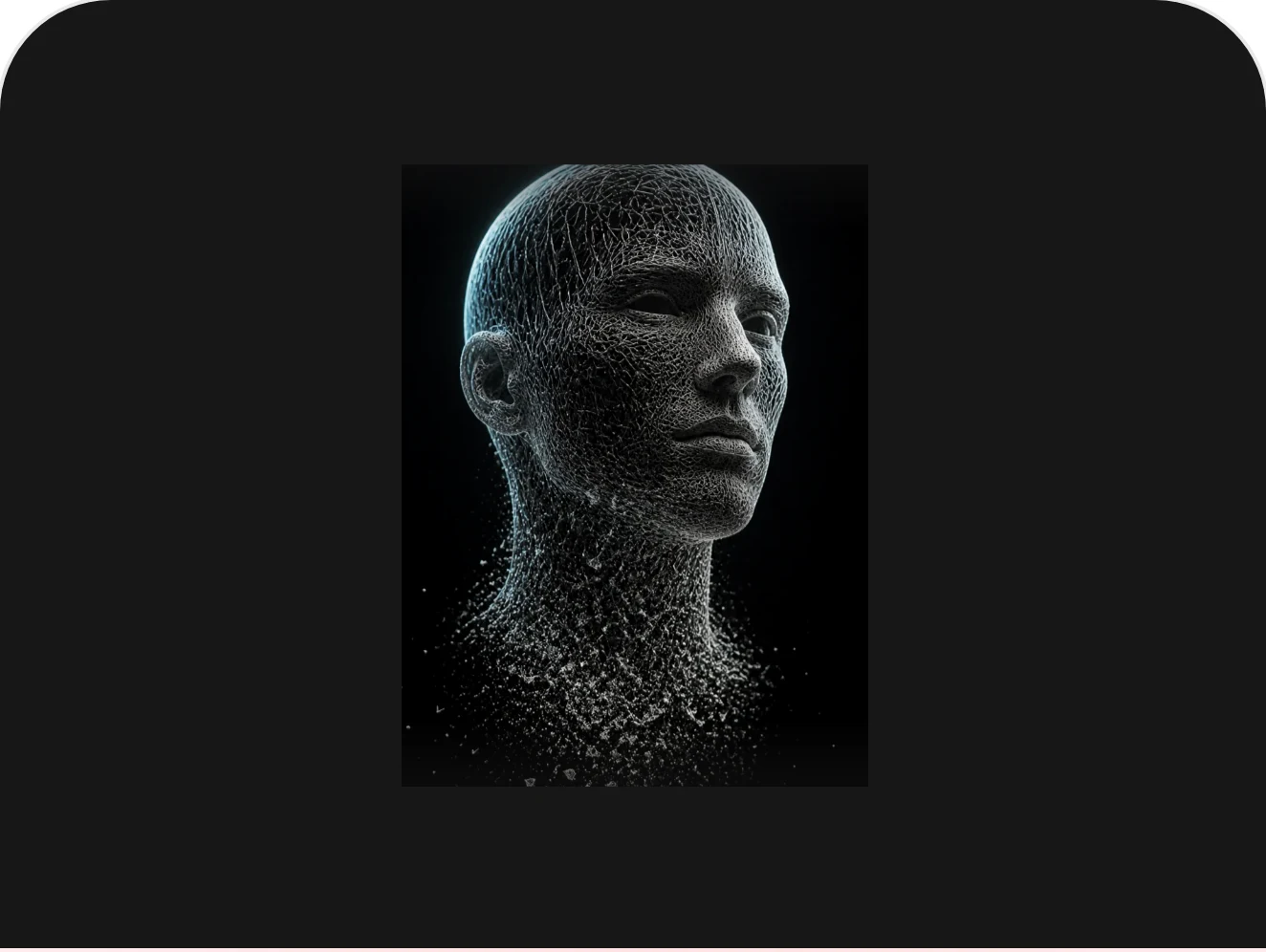
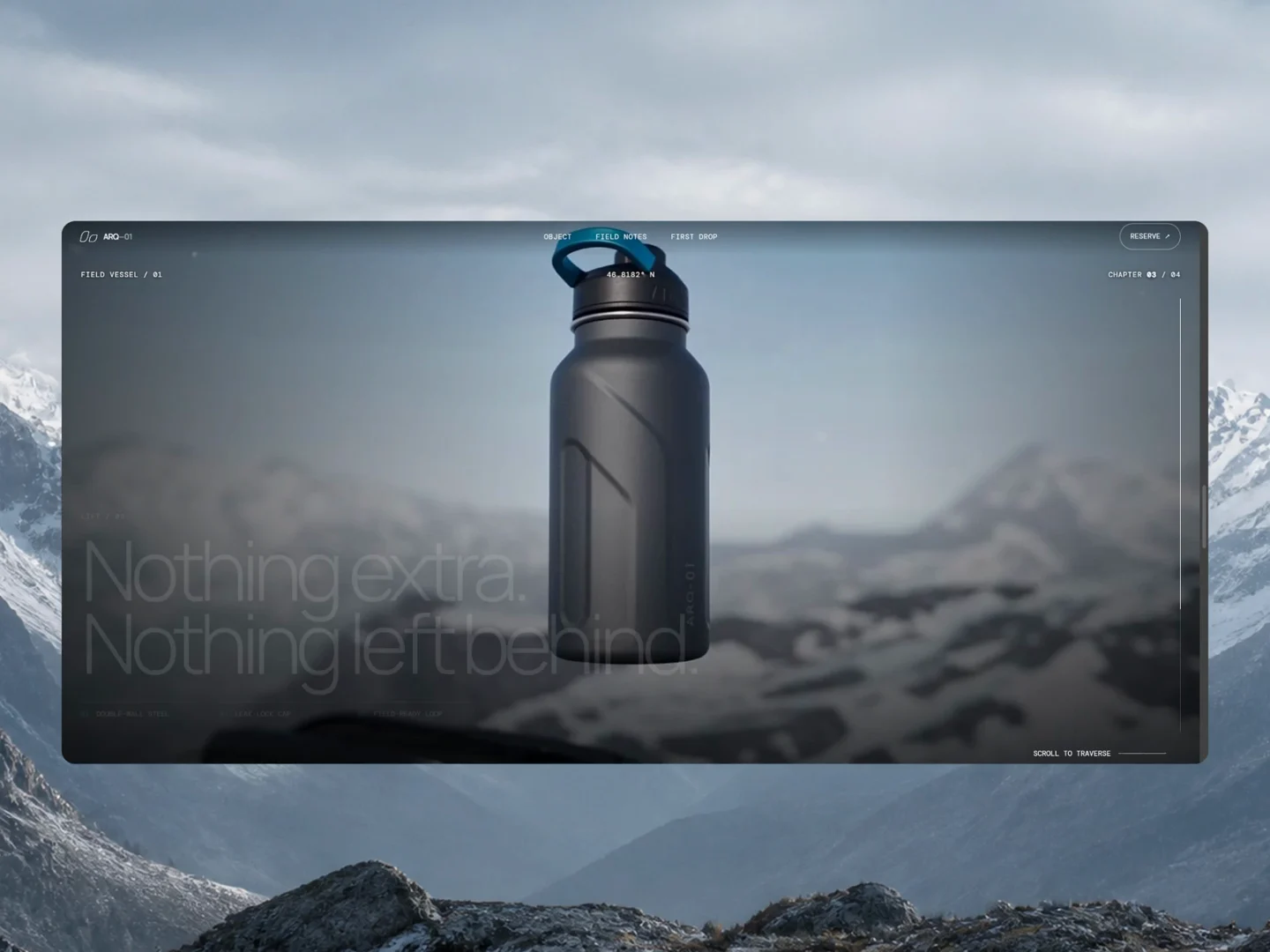
The picture leans toward the pointer and pulls its own colour channels apart as it goes, so the zoom arrives with the fringing a fast lens leaves behind.

HorizonX · 3D & Perspective
  • Instant access Unlocked with your membership
  • Editable Figma source Copy straight to your workspace
  • Commercial license Use in client & commercial work

Not ready to subscribe yet?

Get 50% off your first month. We'll email you the code.

Overview

A WebGL plane, not an image tag, which is what lets the red, green and blue samples drift by different amounts as the zoom builds. The tilt follows the pointer on a spring, and the displacement rises with it, so the further you push the more the channels separate. Every part of that is a control: how far it zooms, how hard the channels split, how much it leans and how quickly it catches up.

Highlights

  • Refined, production-ready UI composition
  • Organized, reusable Figma components
  • Clean layout system you can adapt fast
What's included

  • Editable Figma source file
  • Organized layers & components
  • Reusable styles and tokens
  • Commercial license

Reviews

No reviews yet.

Log in to review this product.

Frequently asked questions

  • The editable Figma source for this concept — copy it into your own workspace and adapt it freely.

  • It's included with your HorizonX membership. Open it and copy it to Figma instantly — no separate purchase.

  • Yes. Your HorizonX membership includes a commercial license — use and adapt these files in your personal, client and commercial projects.