

Choose a hero visual by what the reader needs to understand. Use a product screenshot when the interface is the evidence, a texture when the message already explains the offer and the image supplies tone, and motion when change or sequence is central to the story. None of these choices guarantees better conversion.
A useful exercise is to keep one headline and compare three visual approaches. Judge what each approach clarifies and what it leaves unanswered, not which one looks most fashionable in isolation.
Use a screenshot to make the product concrete
For a fictional reporting tool, a screenshot can show the relationship between a filter and the resulting report. Choose a view with enough context to understand the task, then crop away irrelevant detail.
Do not display confidential customer data or pass off a concept screen as a shipped product. If the interface is illustrative, label it accordingly. A screenshot earns its place by explaining something the headline cannot show alone.
On mobile, verify that the relevant detail remains visible. A full desktop dashboard compressed to a tiny rectangle may communicate “software” without communicating anything useful about this software.
Use texture to establish tone
A texture can give a page an editorial identity without pretending to demonstrate the application. It is appropriate when the copy and adjacent evidence already explain the product.
Keep a quiet area for the heading and action. Treat the texture as supporting material rather than a substitute for proof. HorizonX's texture catalogue offers visual directions to inspect, but the page's message should remain understandable without them.
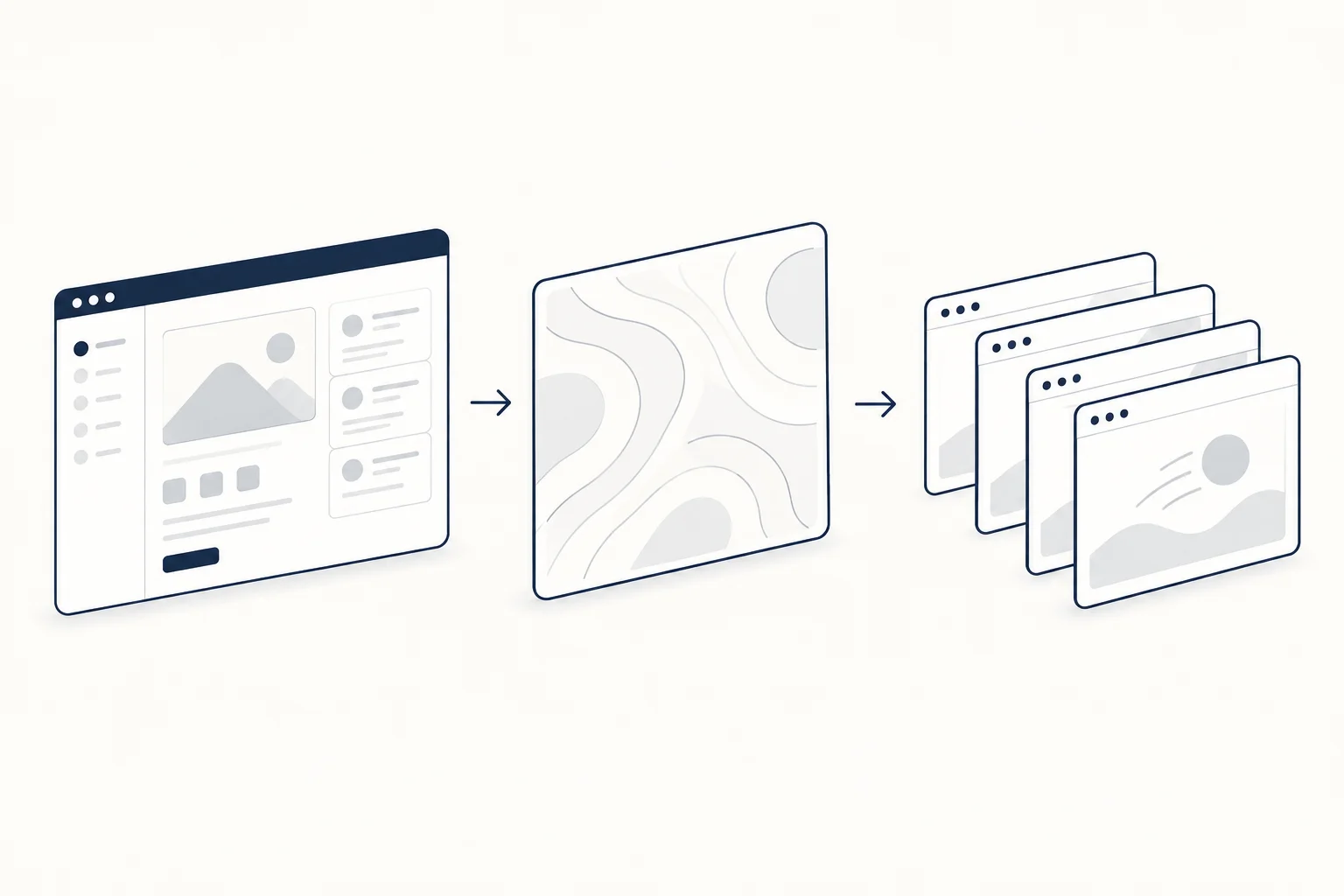
Use motion to explain a change
Motion is most defensible when it shows an actual transition: separate parts assembling, a process advancing or a relationship becoming clear. An endlessly moving background is a different choice; it supplies atmosphere rather than product explanation.
Inspect Immersive Robotics as one type of motion-led composition and Shader R as a background treatment. These resources have different jobs and should not be described as equivalent demonstrations.
Write a visual brief with a rejection criterion
State what must remain obvious: the main message, the action and the specific evidence. Then define why you would reject the visual. Examples include an unreadable crop, movement that competes with the headline or an image that implies a capability the product does not have.
The landing page teardown provides broader context for evaluating the surrounding sections.

Does every hero need a large visual?
No. If a concise message and a small demonstration explain the offer better, use them. The visual is part of the argument, not an admission ticket to a modern-looking page.