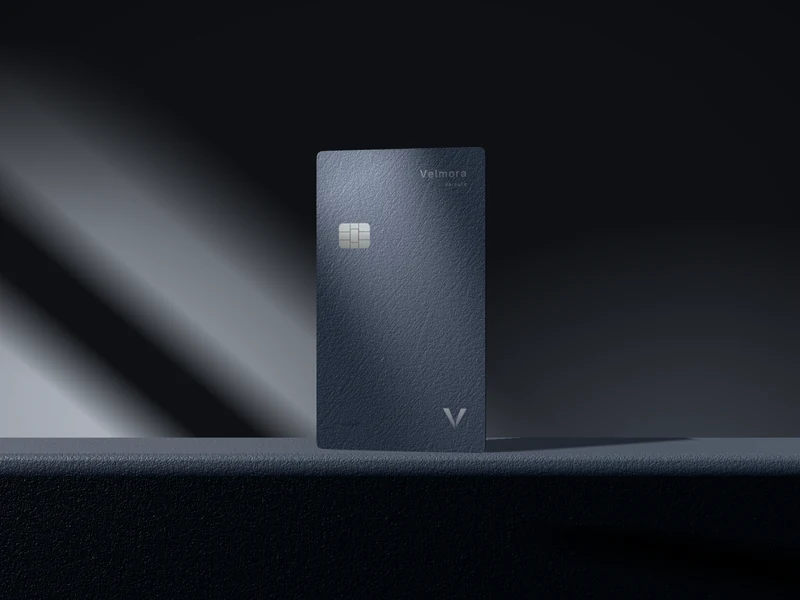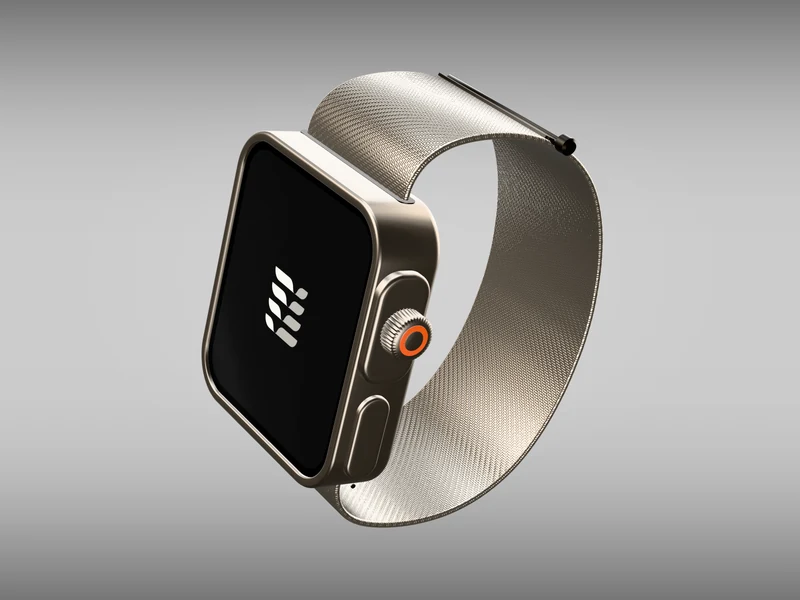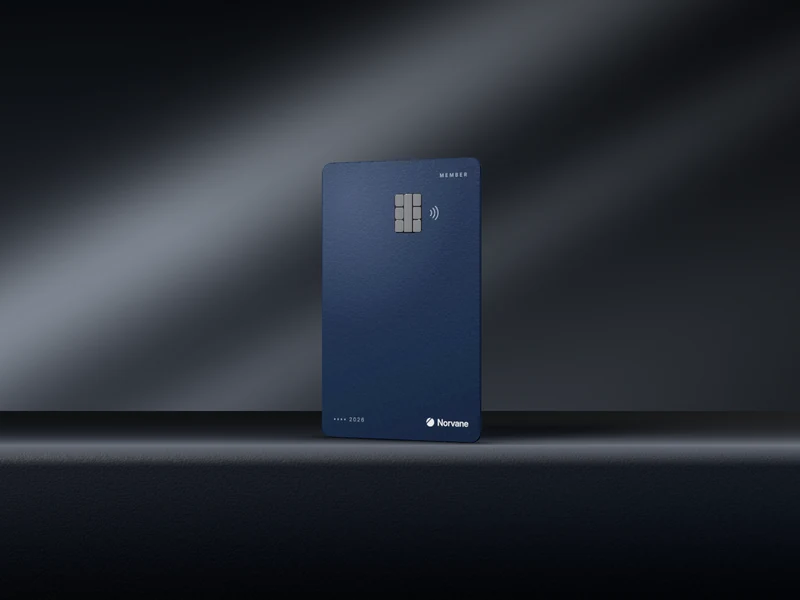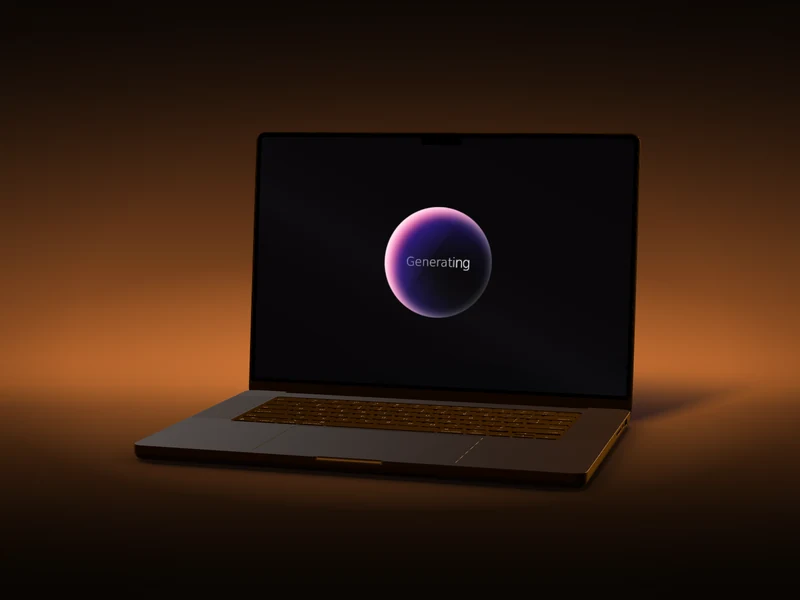
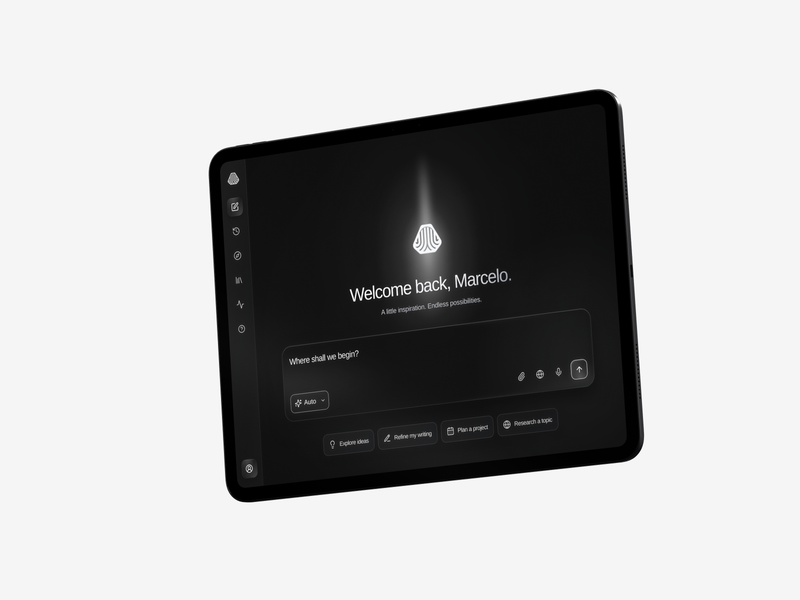
Real light and perspective
Your screen sits on a 3D object in a lit scene, so reflections, shadows and the angle all agree with each other. Nothing is pasted onto a flat photo.
New Mockups
Drop a screenshot or a screen recording onto a phone, a laptop, a tablet or a watch, or your artwork onto a card. Turn it, light it, animate it, then export a still, a video or an embed people can rotate.
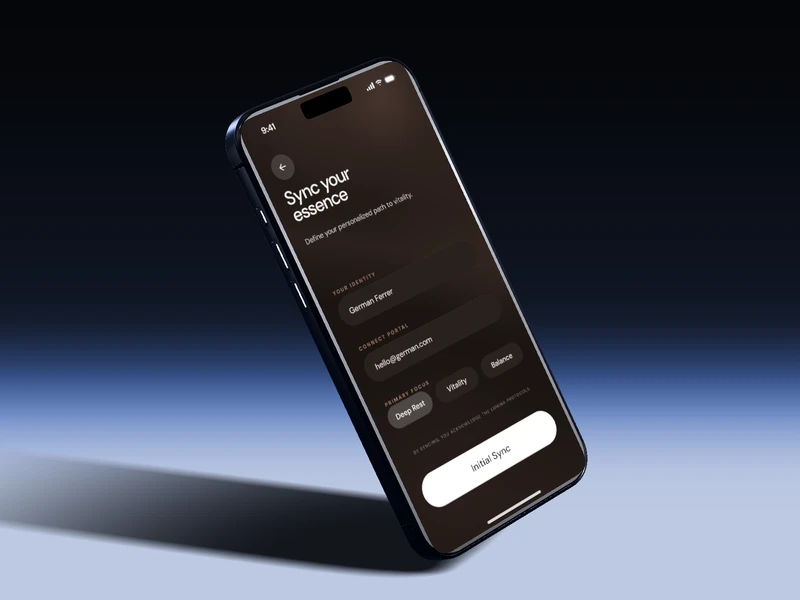
Why a 3D mockup
Your screen sits on a 3D object in a lit scene, so reflections, shadows and the angle all agree with each other. Nothing is pasted onto a flat photo.
Drop in a screen recording and it plays on the device. Add a motion preset or your own keyframes and the camera, the object and the light move with it.
The scene you set up exports as a still, a video or an interactive embed, framed for a story, a feed post or a slide, without rebuilding it each time.
The collection
Devices for your app or site, cards for your brand. Open any of them to start your shot.
How it works
Every mockup opens in its own editor in the browser. No download, nothing to install first.
Add a screenshot or a screen recording to a device, or your artwork to a card. It lands on the screen or surface at the right size.
Drag to rotate, move or relight the object, then set the backdrop, the finish, the shadow and the camera. Animate it with a motion preset or keyframes on the timeline.
Choose a frame (vertical, portrait, square, wide or the full panel) and take it as a PNG, a JPG, an MP4 video or an HTML embed.
What you take with you
Every export uses the pose, light and frame you set, so the still, the video and the embed all match.
Lossless, with an optional transparent background so the device drops straight onto a slide or a page.
A smaller still for posts, decks and messages, at 1× or 2× scale.
H.264 video of your animation, 3 to 15 seconds or the length of your timeline, at 30 or 60 fps.
A standalone page with the 3D mockup, your artwork and your settings, ready to embed. Viewers can drag it to rotate.
Try it in your browser. Export with a membership.
Anyone can open a mockup, add their own screen and set up the shot. Exports come with a membership: exporting the same mockup again within 30 days is free, and MP4 videos have their own 30-day limit.
What you can make
Export in 9:16 for Stories, Reels and TikTok, or 4:5 for the feed, with your app moving on the device.
Embed the HTML export on a landing page and let visitors drag your device around instead of looking at a flat image.
A 16:9 frame or a transparent PNG drops into a slide or a portfolio page without any cut-out work.
FAQ
What you can make, what you can export, and what it costs.
No. Every mockup opens in the browser for anyone: you can add your own screenshot or recording, pose it, light it and animate it. A membership is what lets you export the result.
PNG (with an optional transparent background), JPG, MP4 video and an interactive HTML embed. Stills export at 1× or 2× scale and videos run 3, 5, 8, 10 or 15 seconds, or the length of your timeline, at 30 or 60 fps. The highest resolution depends on your plan, up to 4K for stills and 1080p for video.
Yes. Exports from the Tools, Textures, Shaders and Mockups editors share an allowance per day and per 30 days that grows with your plan, and MP4 videos have their own 30-day limit. Exporting the same mockup again within 30 days is free, so you can take it in every format. The numbers are in the plan comparison on /pricing.
No. Nothing is stamped on any export.
Yes. The export frame offers 9:16 vertical for Stories, Reels and TikTok, 4:5 portrait, 1:1 square, 16:9 wide, or the full editor panel.
Yes, through the HorizonX MCP server. An agent can export a mockup as the HTML embed; stills and videos are exported from the editor on the site.
Mockups are included in every plan, alongside the rest of the library. All 16 open in the browser with no sign-up, so you can set up your shot before you decide.
Pick a mockup, drop in your screen and leave with a shot that looks like a launch.