Nova App: App Screens for Figma | HorizonX

UI/UX

Nova App

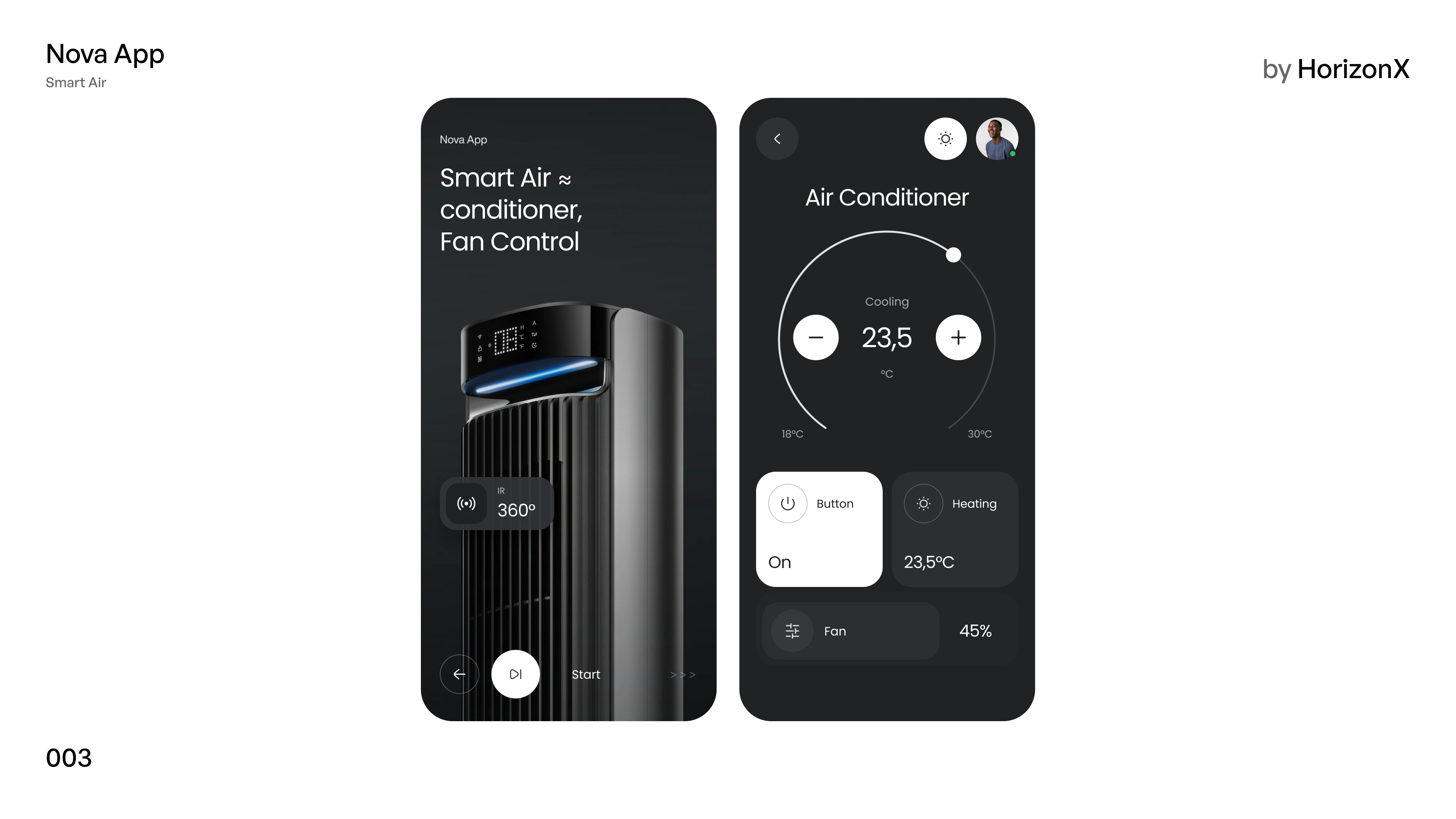
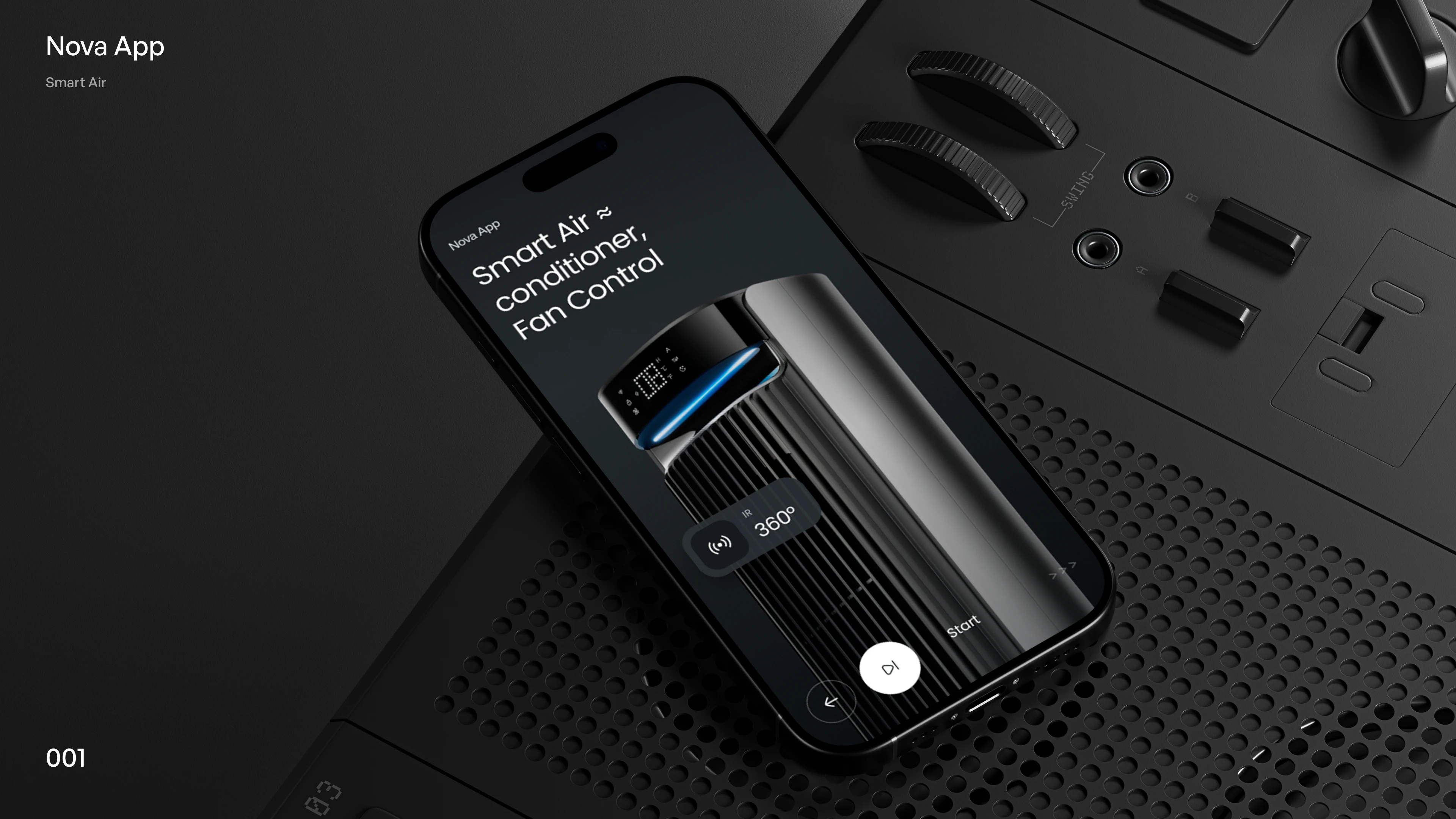
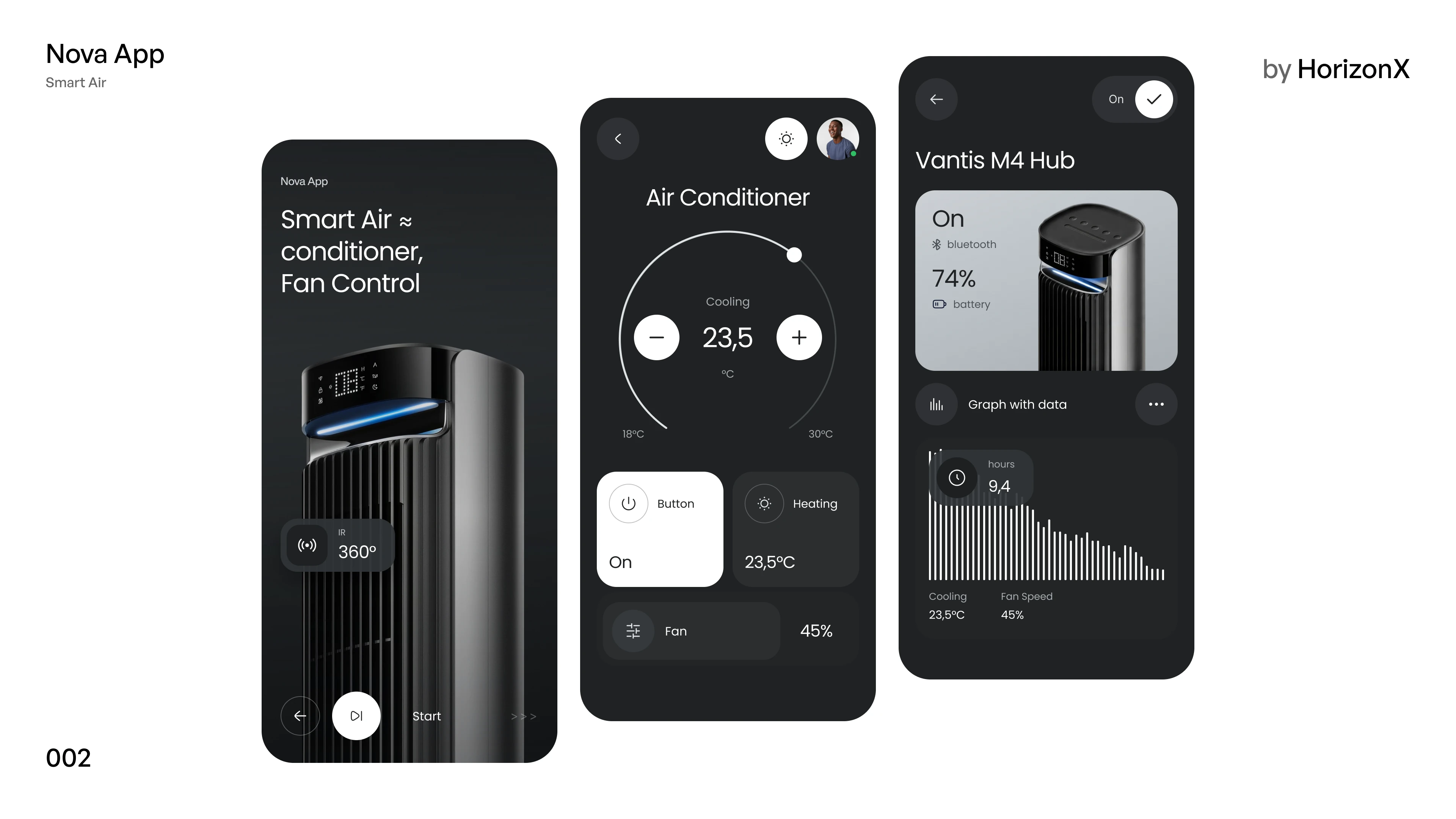
A dark smart-air app in Figma for a tower air conditioner: a product splash with a 360° oscillation control, a thermostat dial with cooling and heating, and a device screen with battery and usage charts.

Nova App, image 3
Nova App, image 1
Nova App, image 2
Nova App, image 3
Nova App, image 1
  • Instant access Included with every membership
  • Editable Figma source Copy straight to your workspace
  • Commercial license With a membership, for client work

Overview

Nova App is a climate-control concept for a connected tower fan and air conditioner, designed in a graphite dark mode with a cool blue accent. The splash screen presents the device itself, with a 360° oscillation chip and a start control. The air-conditioner screen centres on a circular thermostat dial with plus and minus buttons, a power tile, a heating tile and a fan-speed row. The device screen shows connection and battery status above a usage bar chart with cooling and fan-speed readouts. Included: one editable Figma file with the three frames shown in the gallery, a photographed device scene and two boards that lay the screens out side by side.

Highlights

  • Refined, production-ready UI composition
  • Organized, reusable Figma components
  • Clean layout system you can adapt fast
What's included

  • Editable Figma source file
  • Organized layers & components
  • Reusable styles and tokens
  • Commercial license with a membership

Frequently asked questions

  • The editable Figma source for this concept. Copy it into your own workspace and adapt it freely.

  • It's included with a HorizonX membership. Open it and copy it to Figma instantly, no separate purchase.

  • Yes, with a HorizonX membership. Members get a commercial license: use and adapt these files in personal, client and commercial projects. If your plan ends, projects you already built keep their license, but the files can't be used to start new ones.