Automation Bento · HorizonX

Automation Bento

New

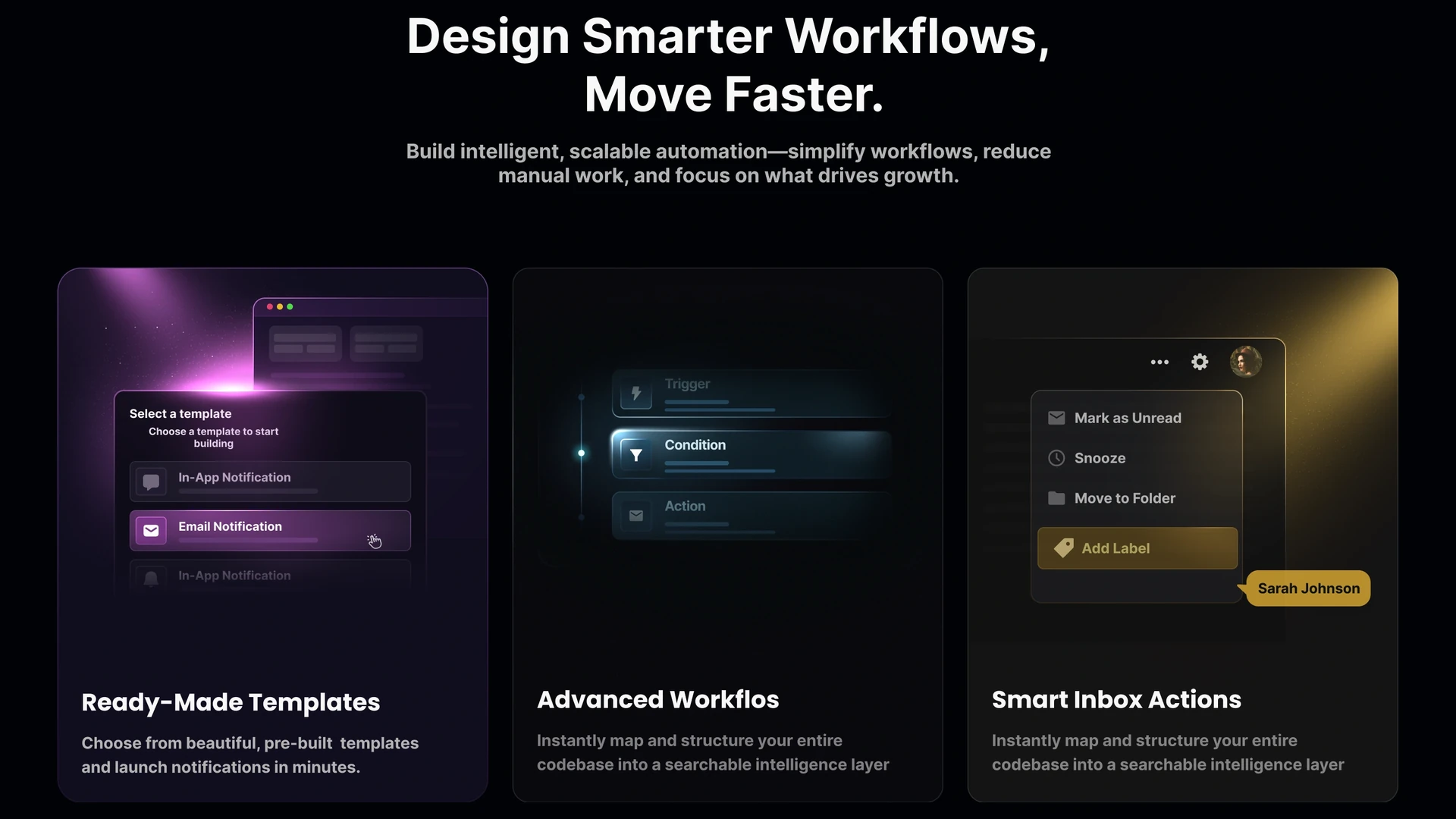
Automation bento under a two-line headline — template picker, a condition/action workflow builder and inbox actions.

HorizonX · UI/UX
Automation Bento — image 3
Automation Bento — image 1
Automation Bento — image 2
Automation Bento — image 3
Automation Bento — image 1
  • Instant access Unlocked with your membership
  • Editable Figma source Copy straight to your workspace
  • Commercial license Use in client & commercial work

Not ready to subscribe yet?

Get 20% off your first month. We'll email you the code.

Overview

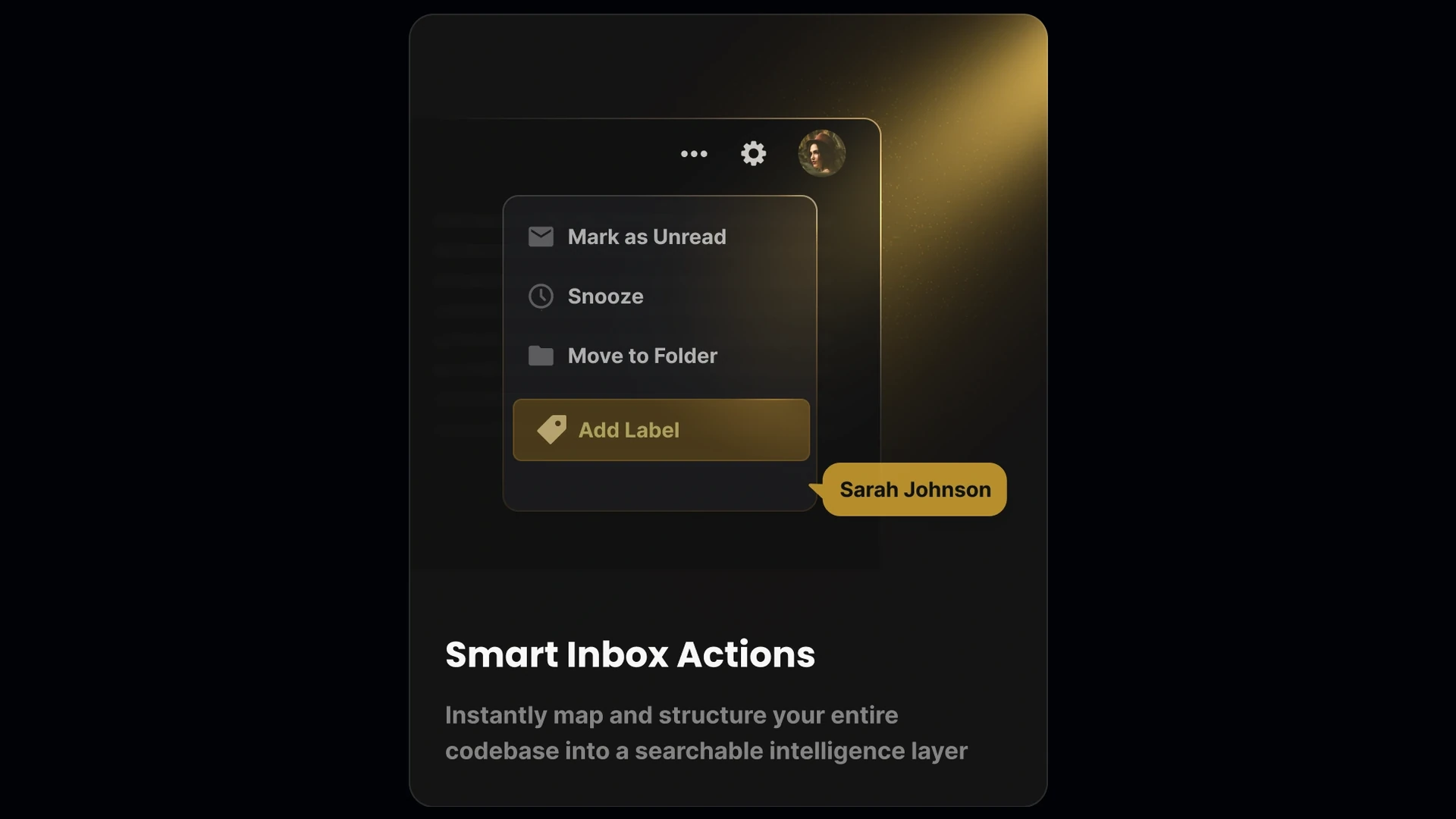
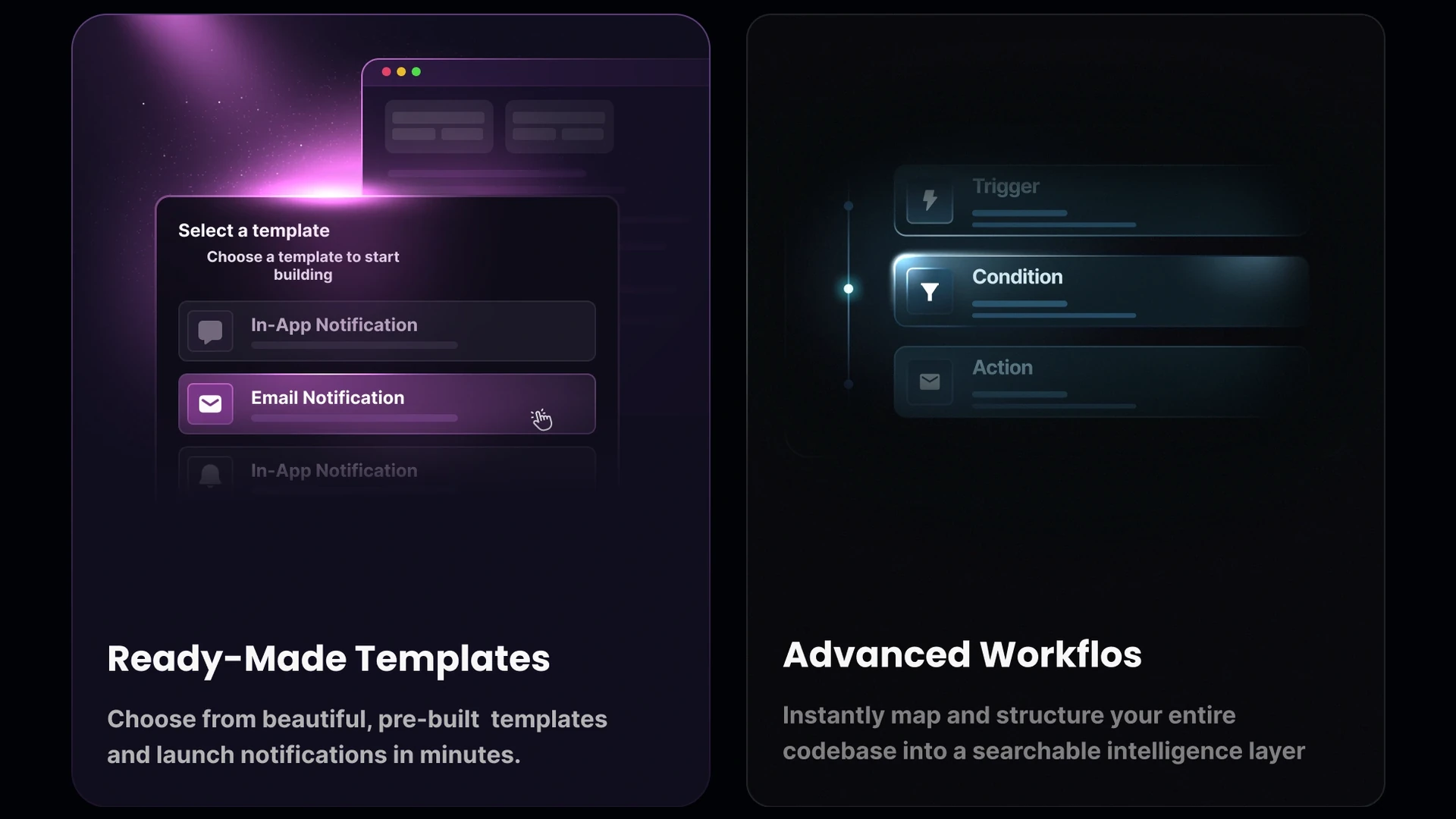
A headline-led bento section built in Figma for automation and inbox products. "Design Smarter Workflows, Move Faster." introduces three cards, each on its own accent: a magenta template picker with notification toggles, a teal trigger-condition-action workflow builder, and an amber inbox card with mark-as-unread, snooze, move-to-folder and add-label rows plus an assignee chip. Three accent families in one row without losing cohesion; the headline block and cards are separate components.

Highlights

  • Refined, production-ready UI composition
  • Organized, reusable Figma components
  • Clean layout system you can adapt fast

What's included

  • Editable Figma source file
  • Organized layers & components
  • Reusable styles and tokens
  • Commercial license

Reviews

No reviews yet.

Log in to review this product.

Frequently asked questions

  • The editable Figma source for this concept — copy it into your own workspace and adapt it freely.

  • It's included with your HorizonX membership. Open it and copy it to Figma instantly — no separate purchase.

  • Yes. Your HorizonX membership includes a commercial license — use and adapt these files in your personal, client and commercial projects.